Build. Validate. Compete.
Deck Builder
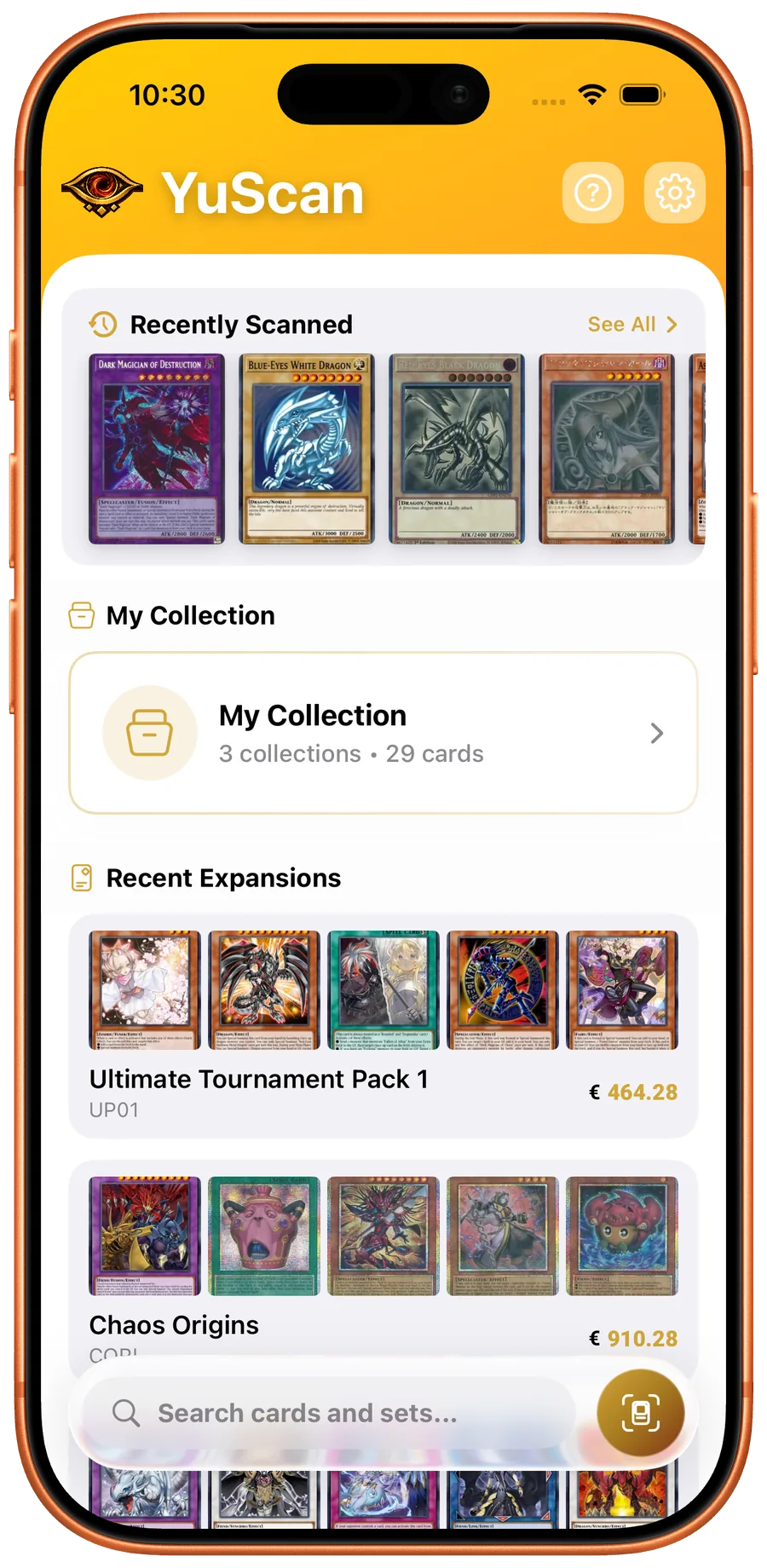
A complete deck building suite for competitive Yu-Gi-Oh! players. Build and validate decks with Main, Extra, and Side deck support, ban list enforcement, and community deck imports.
A Yu-Gi-Oh! deck builder is the tool that takes you from "I have these cards" to "this is a tournament-legal 40 to 60 card list with a 15-card Extra Deck and a 15-card Side Deck, with no ban-list violations." YuScan ships a deck builder that handles all three zones, validates against the current TCG and OCG ban lists in real time, and lets you import community lists for any archetype with a single tap.
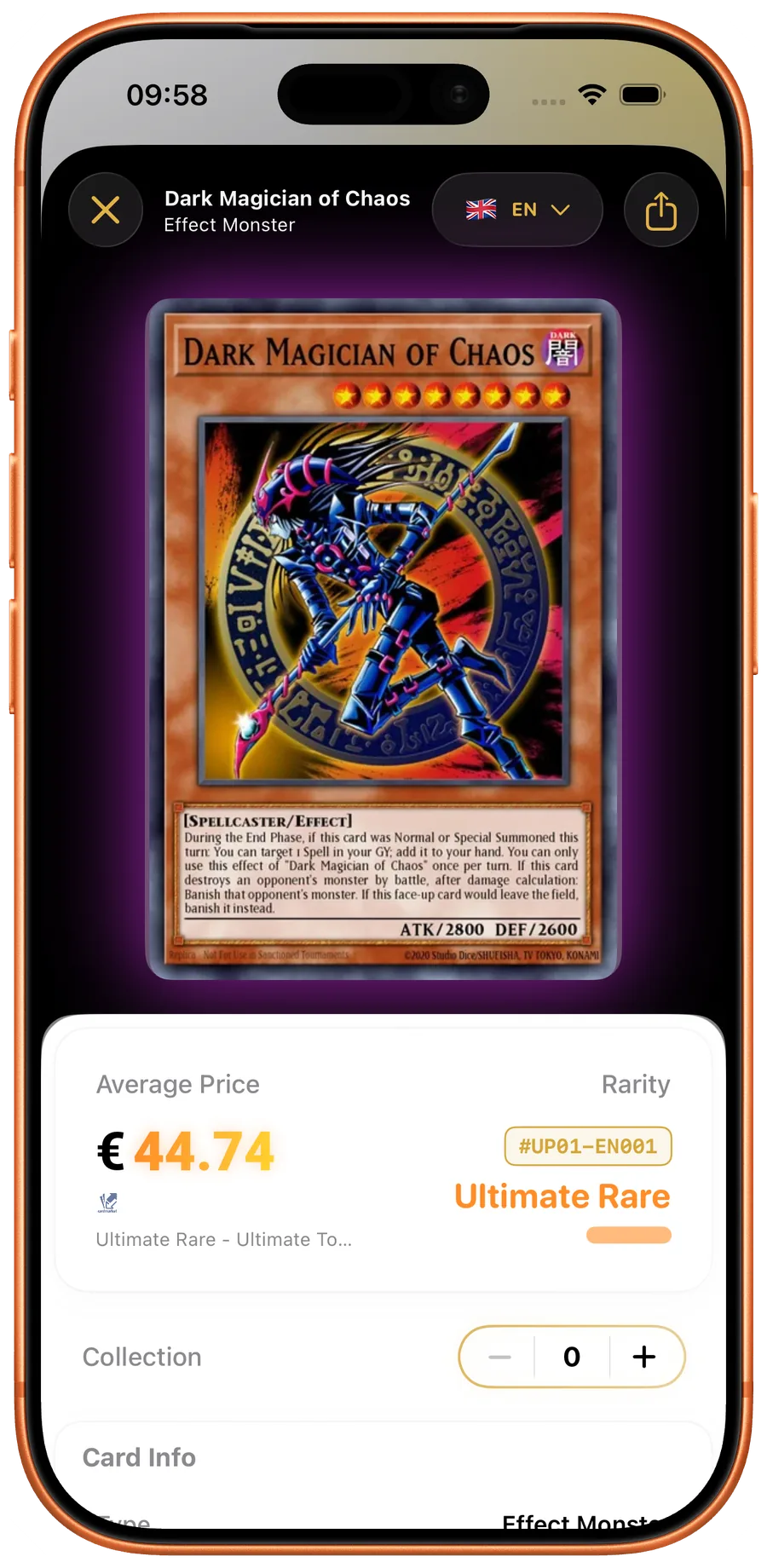
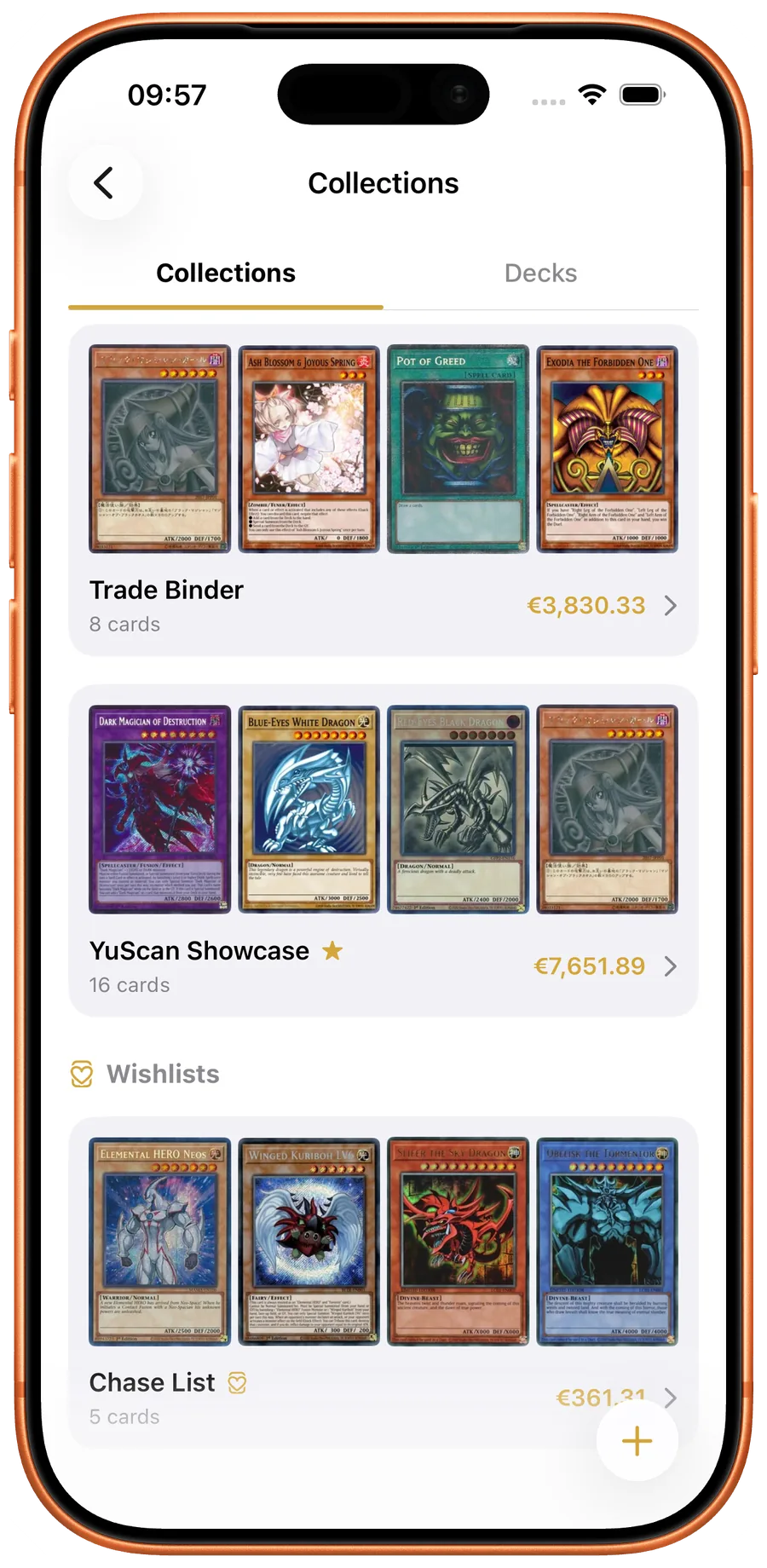
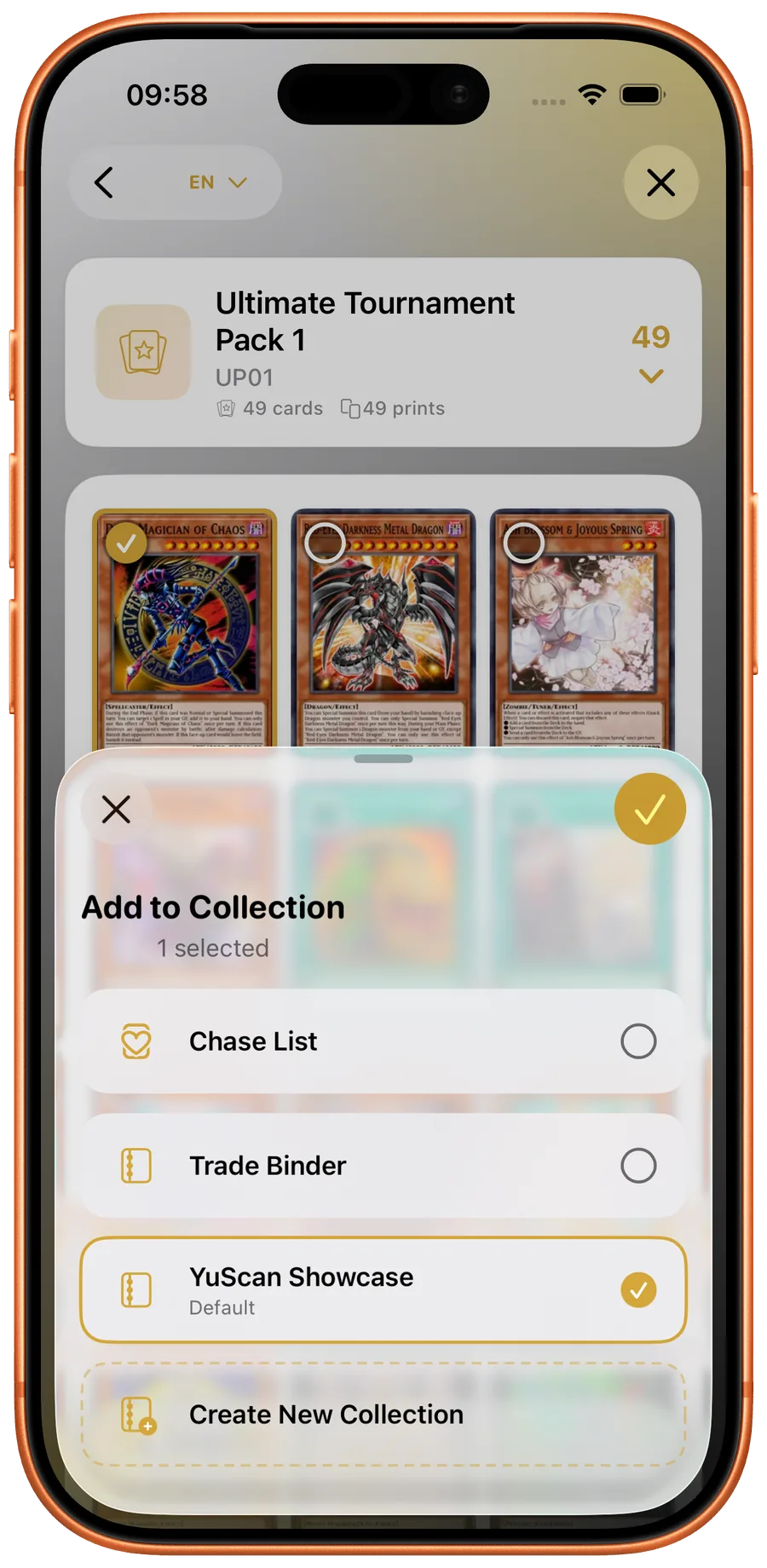
The builder is integrated with the collection tracker, which is the part most other tools get wrong. When you add a card to a deck, the app knows whether you actually own enough copies of the right printing — so a Tier 1 Snake-Eye list does not silently include three Original Sinful Spoils Snake-Eyes when you only own one. Decks you cannot afford to play physically are surfaced as "missing X cards"; the missing cards link directly to live prices on TCGPlayer, Cardmarket, and eBay.
Deck building runs offline, including ban-list enforcement. The current Forbidden / Limited / Semi-Limited list is bundled with the database update, so the validator works in airplane mode at locals and updates automatically the next time Konami publishes a revision.
See YuScan in action
Three Deck Zones
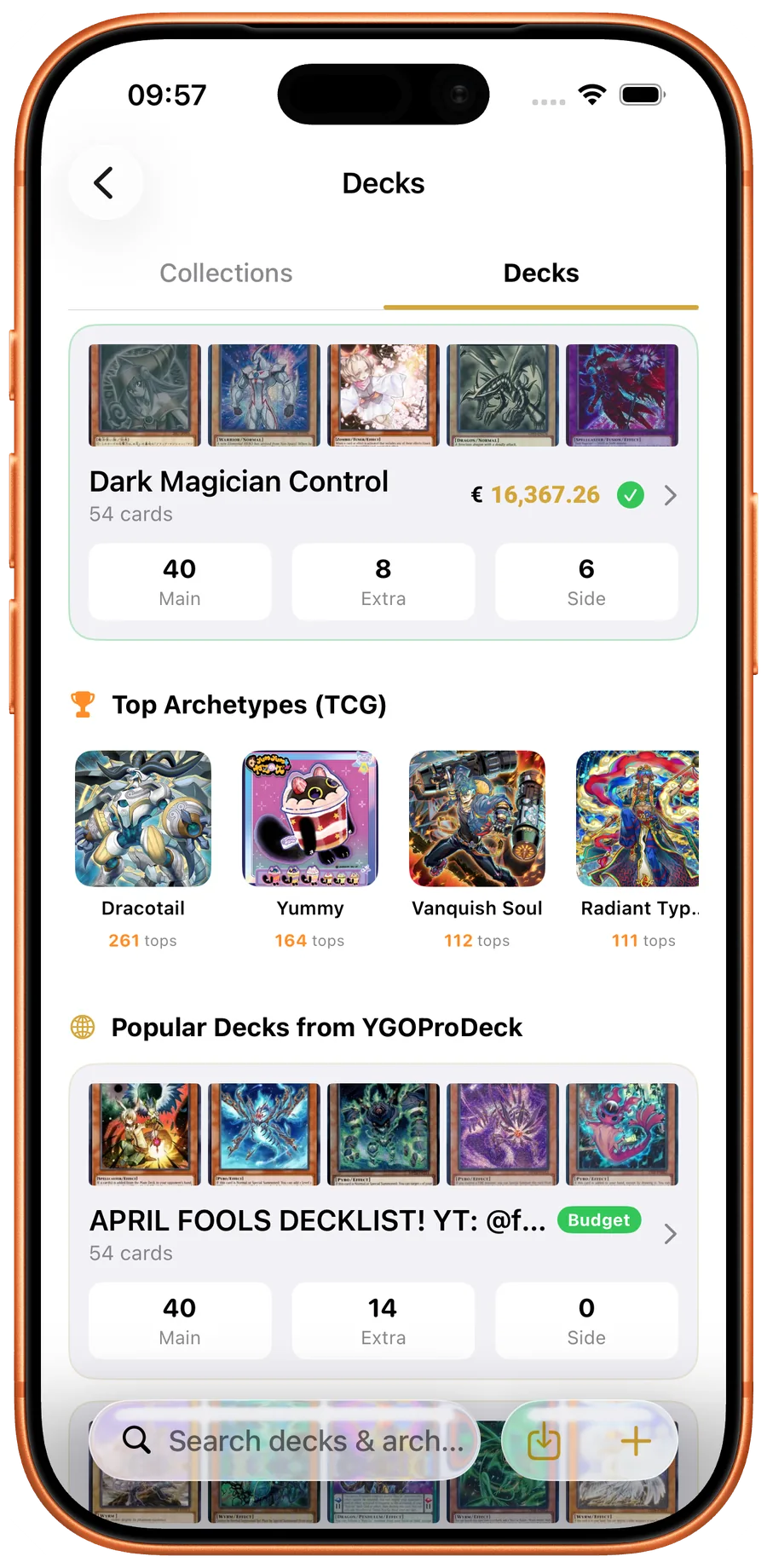
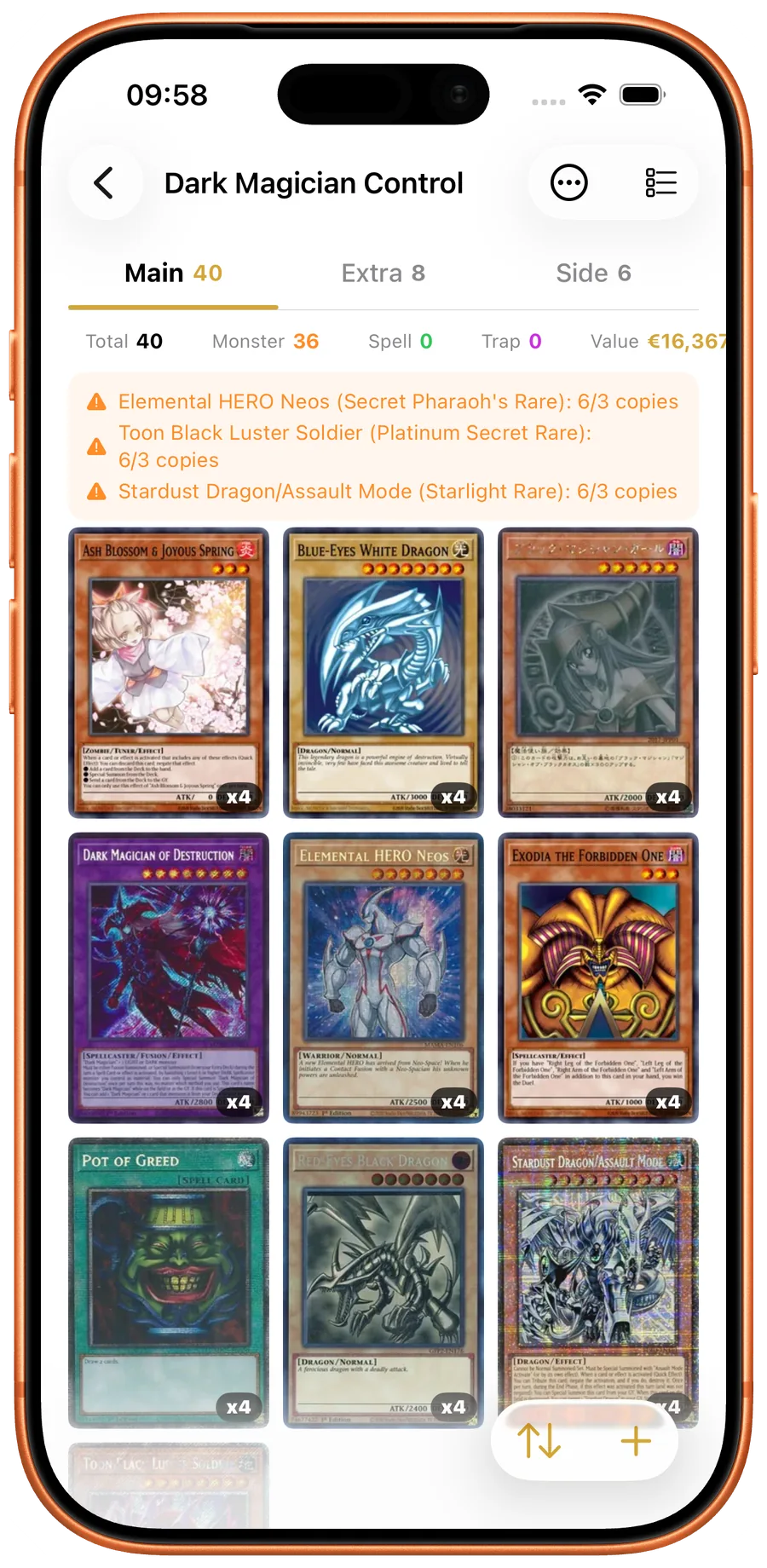
Full support for Main Deck (40-60 cards), Extra Deck (max 15), and Side Deck (max 15) with proper card type validation for each zone.
Ban List Enforcement
Real-time validation against the current TCG and OCG ban lists. Get warnings for Limited, Semi-Limited, and Forbidden cards.
Deck Statistics
See your deck composition at a glance — Monster/Spell/Trap counts, total deck value, card limit tracking, and duplicate detection.
Community Decks
Browse and import popular community-built decks filtered by archetype. One tap to import a complete competitive deck list.
Sort & Filter
Sort your deck by name, card type, or market price. Quickly find cards and optimize your build.
Deck Sharing
Export your deck as an image or share the complete deck list. Show your build to friends or post it online.
How the YuScan deck builder works
Decks are tracked by zone. The Main Deck holds 40 to 60 cards, the Extra Deck up to 15 (Fusion, Synchro, Xyz, Pendulum, and Link monsters only), and the Side Deck up to 15 cards drawn from any zone. The builder enforces the legal counts as you add cards: drop a 17th card into the Extra Deck and the app blocks the add and tells you which slot is full.
Ban-list validation happens live. Add a Limited card a third time and the app flags the deck as illegal with a per-card explanation ("Pot of Greed: Forbidden — remove from Main Deck"). Switching between TCG and OCG ban lists is a single setting; the list YuScan validates against is the same list Konami publishes and is updated whenever a new ban list goes into effect.
Deck statistics update in real time. Monster / Spell / Trap counts, archetype distribution, total deck value at the current market price, and duplicate detection all live in the deck-detail header. For competitive players, the deck-value field is the most useful single number — it tells you exactly what the printed deck is worth at the current market across all six configured price sources.
When to use the deck builder
Use the deck builder before you sleeve a list. Most ban-list mistakes happen at home, not at the tournament — a player runs a list from a year-old article, misses a banlist update, and registers an illegal deck. The validator catches this before the registration desk does. Decks built in YuScan are validated against the ban list active on your device, so the only way to ship an illegal deck is to ignore the warning banner.
Use the community deck import when you want to start from a known good list. The community decks browser is filtered by archetype and tournament-relevance, so picking a Snake-Eye deck or a Labrynth deck gives you a current competitive baseline rather than a stale 2024 build. Import once, customize the Side Deck for the meta you expect, and you have a ready-to-play deck list in minutes rather than hours.
Use the export when you need to share a list — for a deck-tech video, for an online forum post, for a tournament report. The export produces both a clean image (for social media) and a plain-text list (for ban-list verification at the registration desk).