Know every card you own.
Collection Tracker
Create unlimited collections to organize your physical Yu-Gi-Oh! cards. Track what you own, identify gaps, and see your collection value across every expansion.
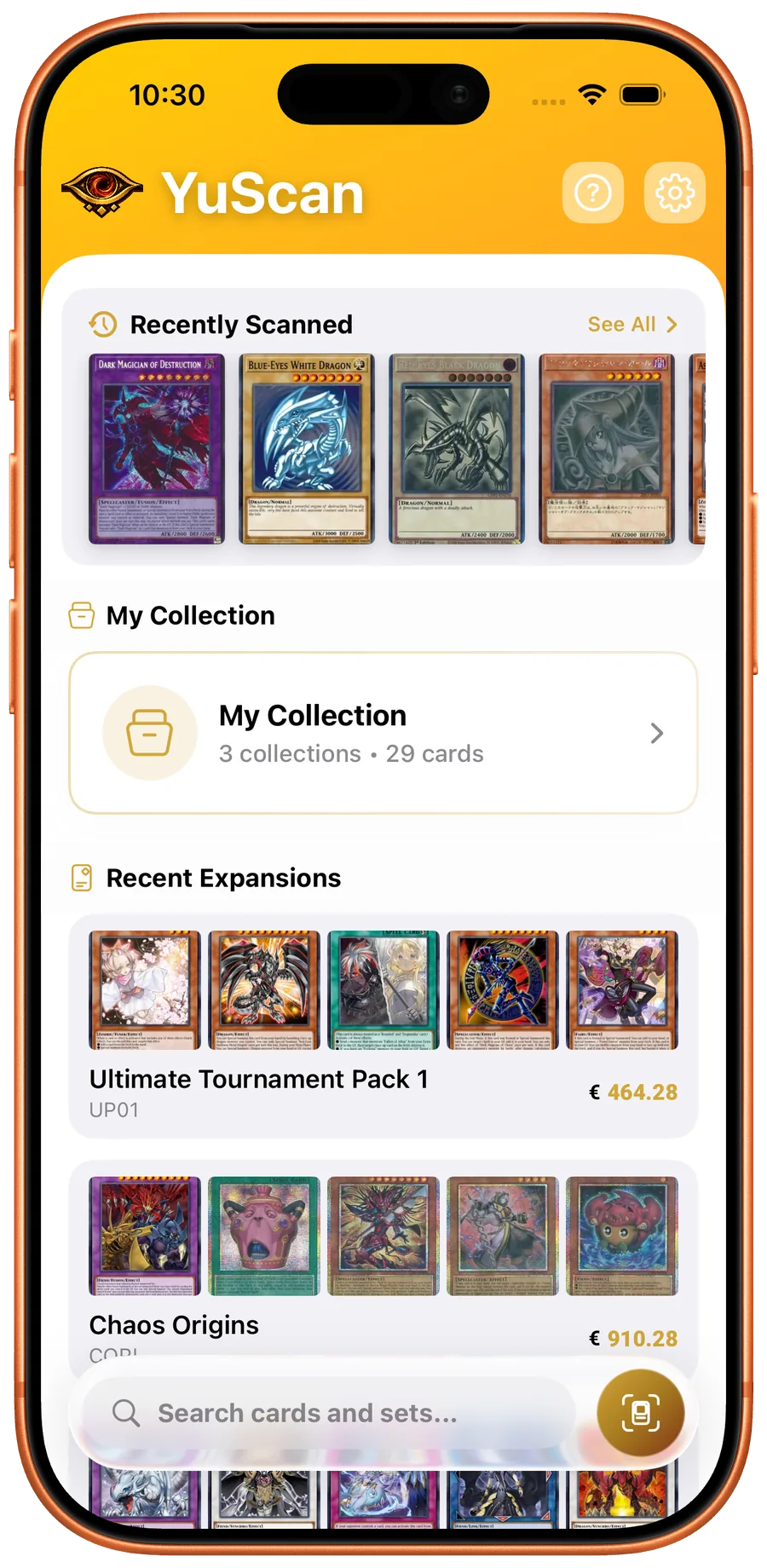
A Yu-Gi-Oh! collection tracker is a structured record of every card you physically own, organized by printing, condition, and quantity. YuScan turns the messy reality of card storage — binders, deck boxes, top loaders, sealed product, the shoebox under the desk — into a searchable inventory you can value, audit, and share. The fastest path from a pile of cards to a working inventory is the camera: scan, tap to add, repeat.
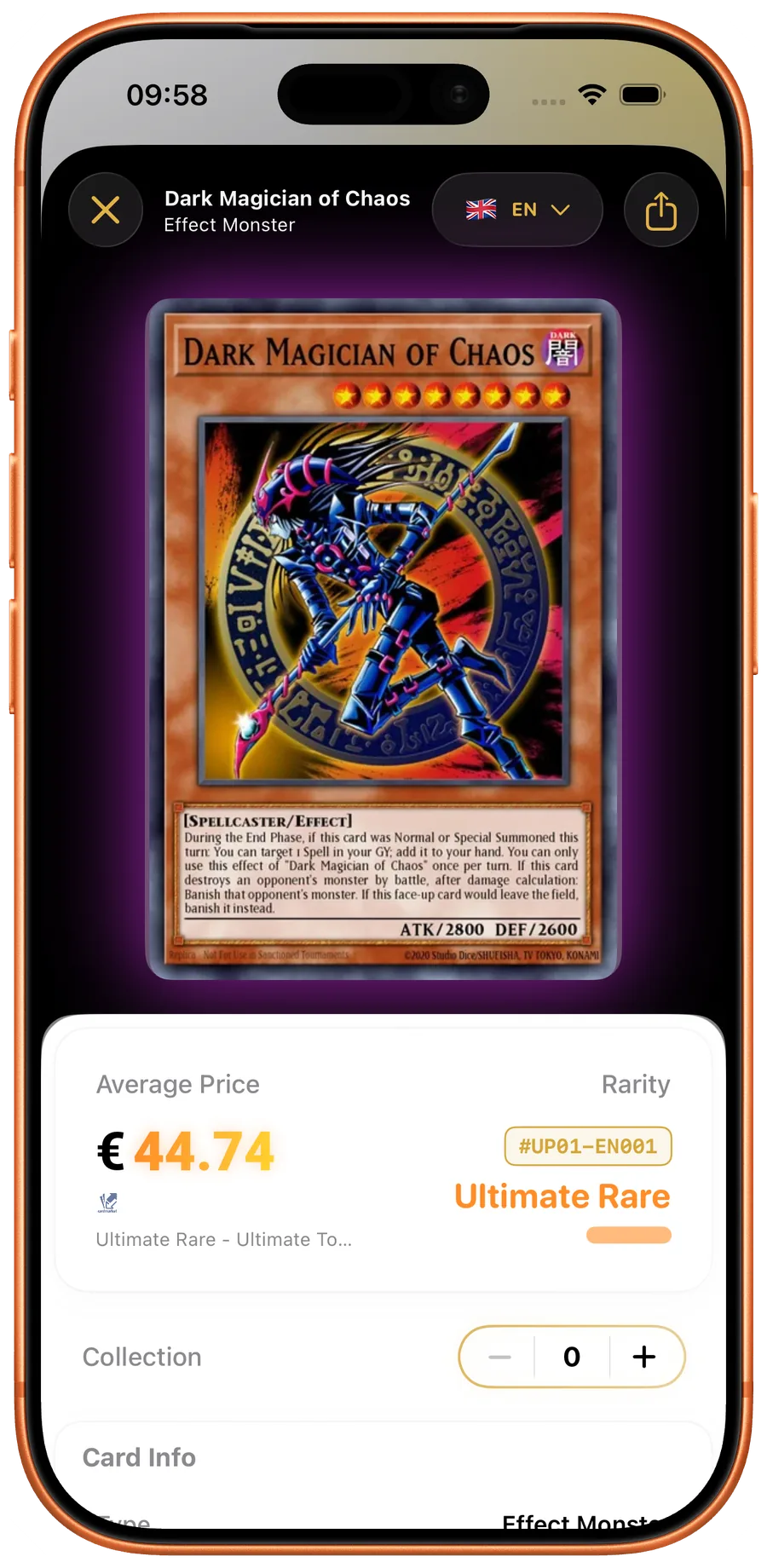
Most existing trackers treat a collection as a flat list of card names. YuScan tracks at the printing level, which is the correct unit of analysis for both pricing and trading. A Solemn Judgment in the original 1st Edition Pharaonic Guardian is a different product from the Quarter Century Secret Rare reprint, even though both share a name. Collection value, expansion progress, and trade-up planning all depend on tracking the right granularity.
Collections are local-first. The data lives on your iPhone in an encrypted on-device database, gets backed up to iCloud if you opt in, and works offline. You can edit, add, and audit collections at a tournament, in a card shop, or on a flight without any network at all.
See YuScan in action
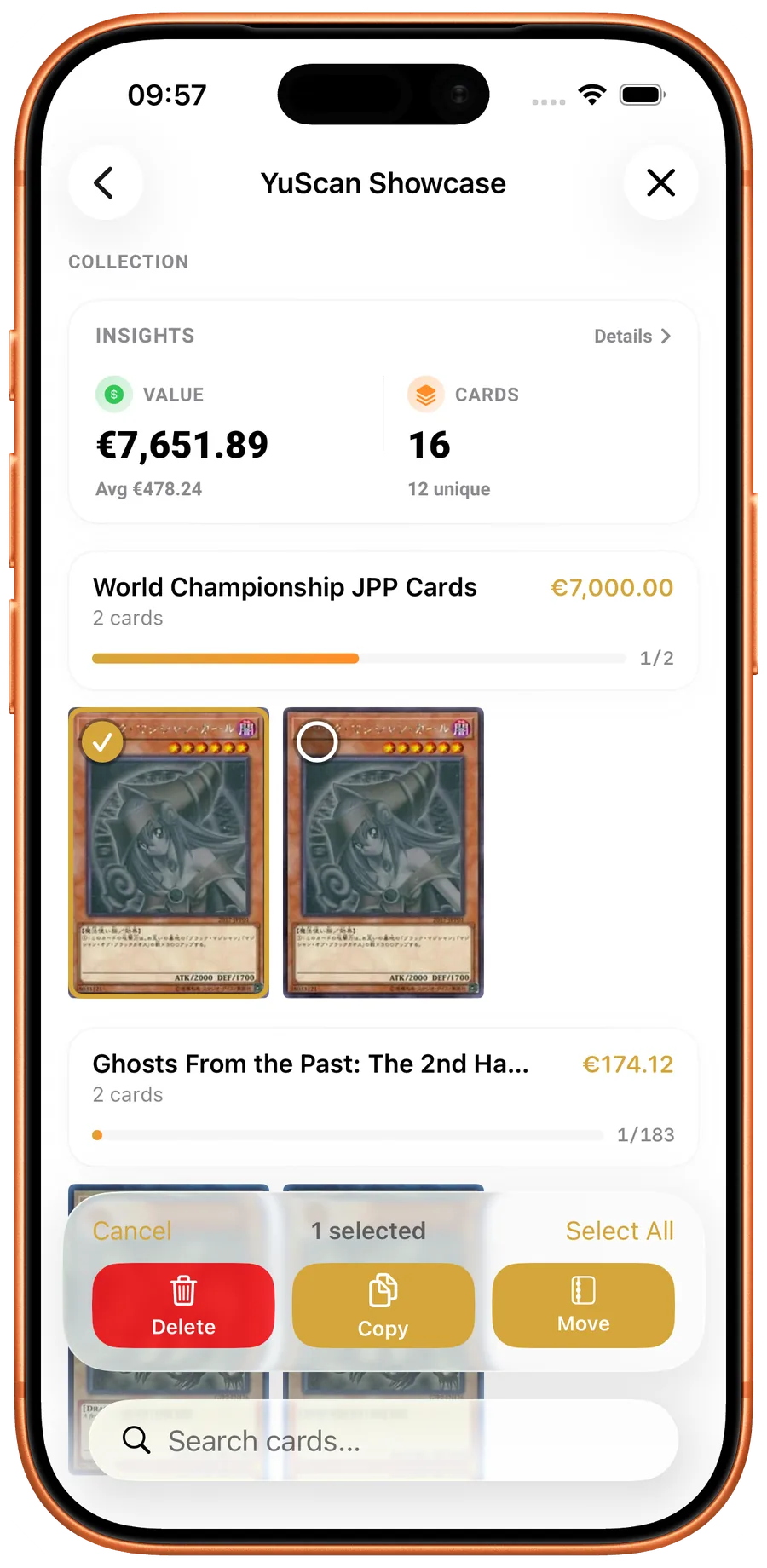
Unlimited Collections
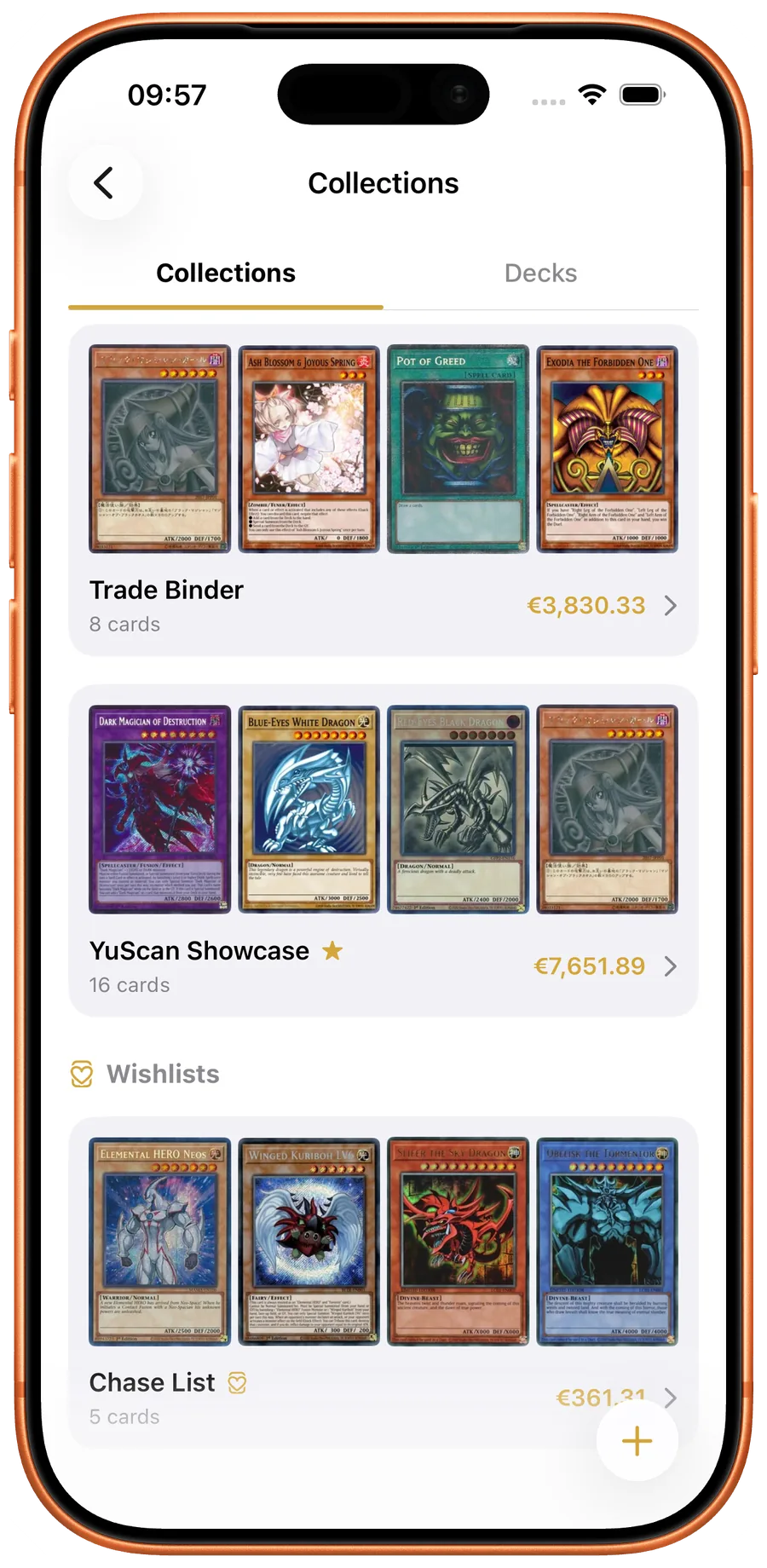
Create as many collections as you need — one for your binder, one for trade stock, one per deck box. Name and organize them however you like.
Scan to Add
The fastest way to catalog your cards. Scan a card and add it to any collection with one tap. No manual entry needed.
Expansion Progress
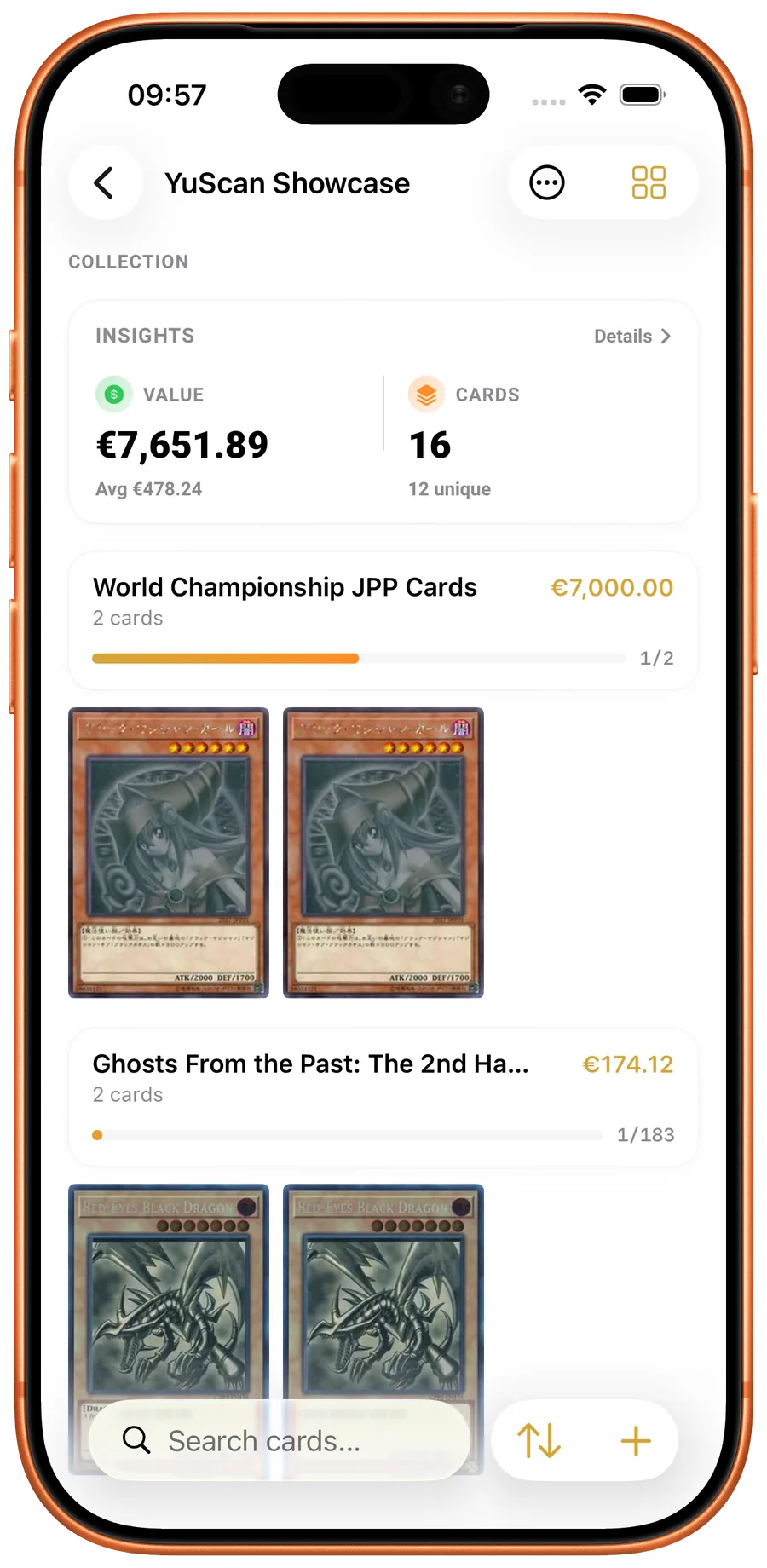
See how complete your collection is for each expansion. Track percentage collected with visual progress indicators.
Duplicate Detection
Built-in tools to find and manage duplicate cards across your collections. Know exactly how many copies you have.
Collection Value
See the total market value of each collection using live pricing data from TCGPlayer, Cardmarket, and more.
Offline Access
Your collection data is stored locally on your device. Access it anytime, anywhere — no internet connection required.
How collection tracking works in YuScan
Each collection is a named container with its own card list. Most users start with one default collection, then split into "Binder", "Trade Binder", "Sealed Product", and per-deck collections as the inventory grows. Collections do not have to be mutually exclusive — the same card can live in multiple collections (e.g. a deck and a "Tournament Legal Cards" master list) so you can model the way you actually store cards rather than fighting the app.
Adding a card is a two-step process: scan to identify the printing, tap to add the count. Quantity, condition (Near Mint through Damaged), language, and any per-card notes are captured at add time. The full add flow takes about three seconds per card once you are in a rhythm — fast enough that cataloging a 500-card binder is a single-evening task, not a weekend project.
Collections roll up into expansion progress: for each set, YuScan shows what percentage you own by unique card and by printing. Completionists can use this to find missing cards in a single tap; budget players use it to avoid buying duplicates of cards they already have in different rarities.
When to use collection tracking
Tracking matters most when the collection grows beyond the size you can mentally inventory. The threshold differs per player but is usually somewhere between 200 and 500 unique cards. Below that, a binder works. Above it, you start double-buying cards you already own, forgetting which Structure Decks you opened, and losing track of trade stock. A working collection tracker pays for itself the first time you avoid a duplicate $30 purchase.
For collectors and grading-curious players, the tracker doubles as a valuation tool. Each card carries live prices from TCGPlayer, Cardmarket, eBay, Amazon, and CoolStuffInc, so the per-collection total reflects the current market — not a frozen snapshot from when you added the card. Set the collection value to your preferred currency once and YuScan handles the conversion, including for sealed product valued at MSRP-equivalent.
For trading and selling, the tracker exposes per-printing duplicates and condition data so you can build a trade binder list quickly. Filter by rarity, by archetype, by condition above Near Mint, and you have a ready-to-share trade list in under a minute.