
Scan your cards. Keep track of every copy.
Check the printing, organize your collection and build a deck with YuScan for iOS and Android.
Popular:
From a card to your collection
Scan, check, then save.
A card name is only the start. Review the set code, rarity and edition before adding a copy to your collection.
- 01
Open the scanner
Place a card in view or choose an available photo-scanning flow.
- 02
Check the result
A card name is only the start. Review the set code, rarity and edition before adding a copy to your collection.
- 03
Save your copy
Select a collection and confirm the copy details.
Review your scan session
The right printing matters.
Open a result to inspect the card and available printings. Adjust the copy details before saving.
- Set code and rarity
- Edition, language and quantity
- Available prices and currency
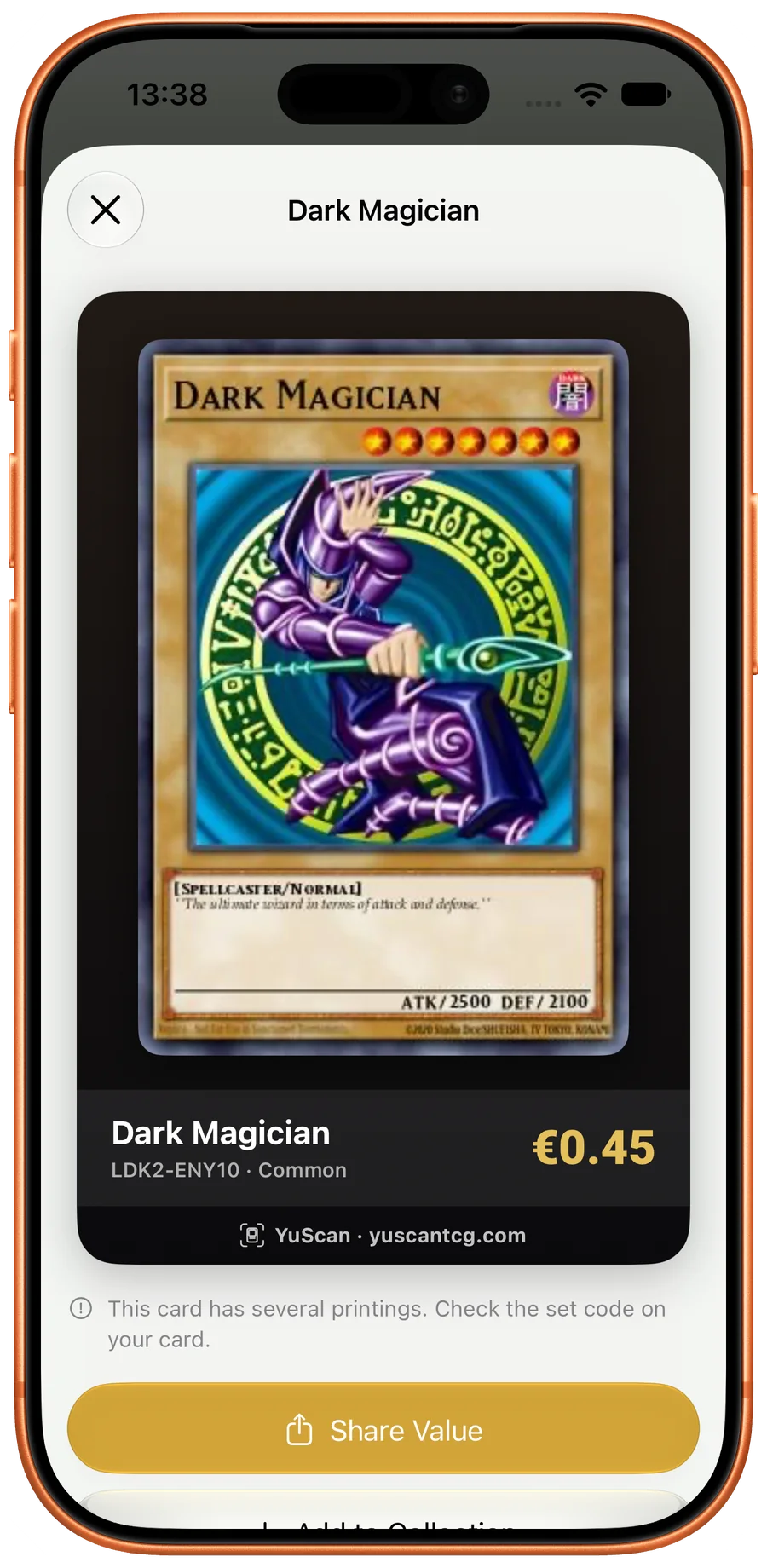
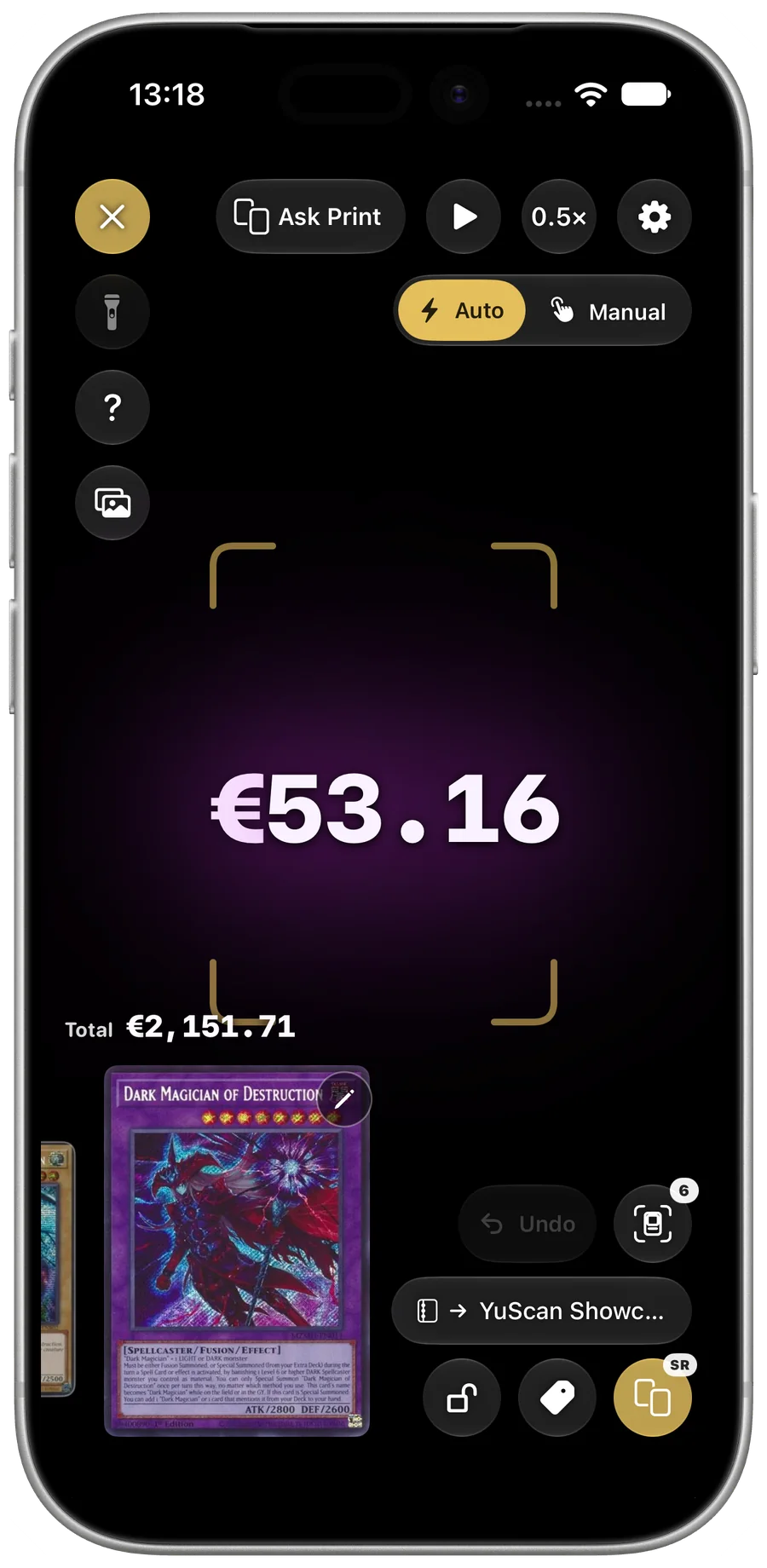
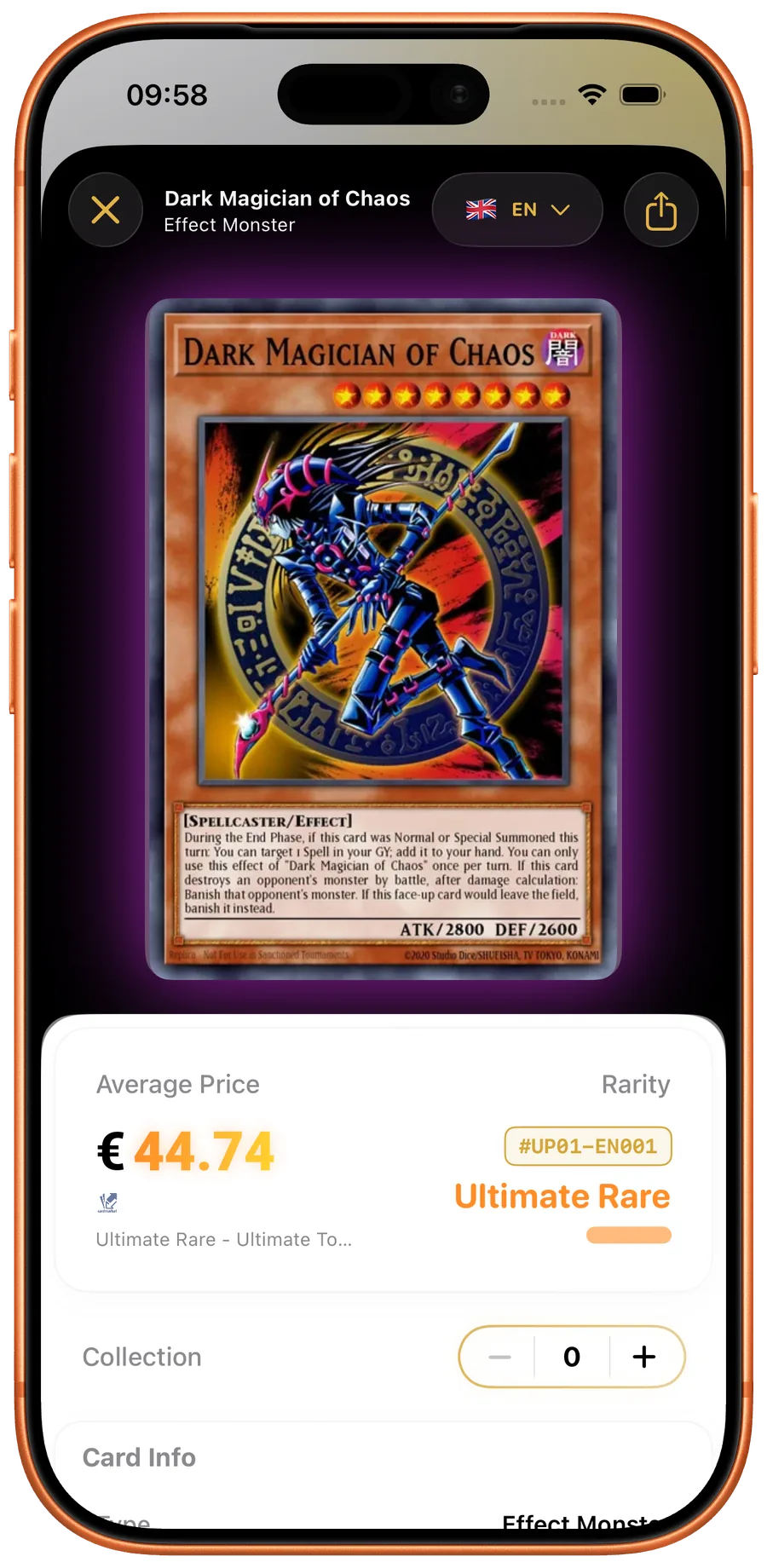
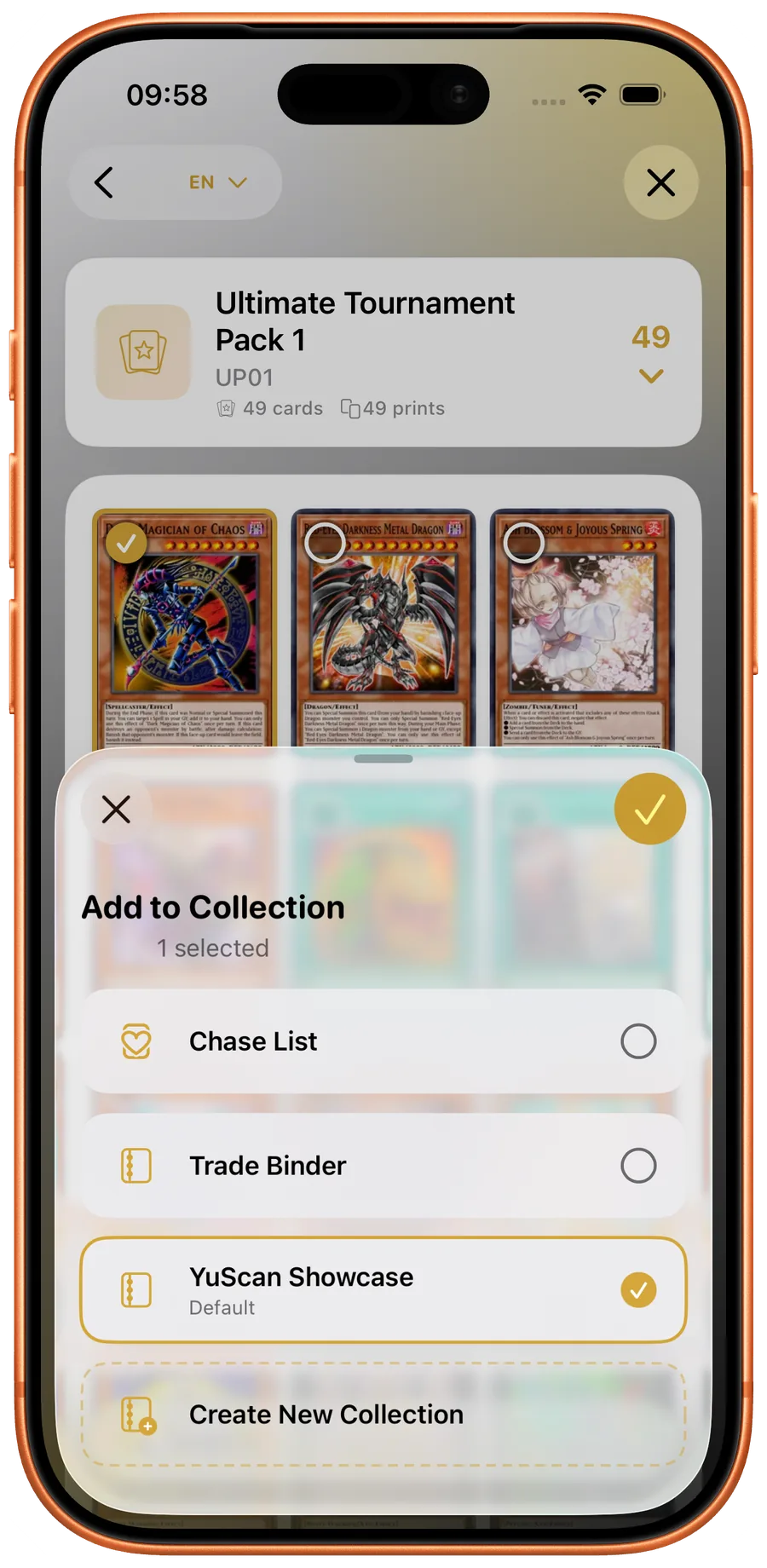
Review a card scanned from a photo
Tools for your cards. From scanning to deckbuilding.
Choose a task to see the steps, platform differences and actual app screens.
-
Live Card Scanner
Point your camera at a card, review the result and confirm the printing before adding it to your collection.
-
Market Prices
Check available Yu-Gi-Oh! card values in your preferred currency and keep track of your collection.
-
Deck builder
Organize Main, Extra and Side Deck cards. Review the cards and quantities in your list.


Walkthroughs for your collection
All walkthroughs
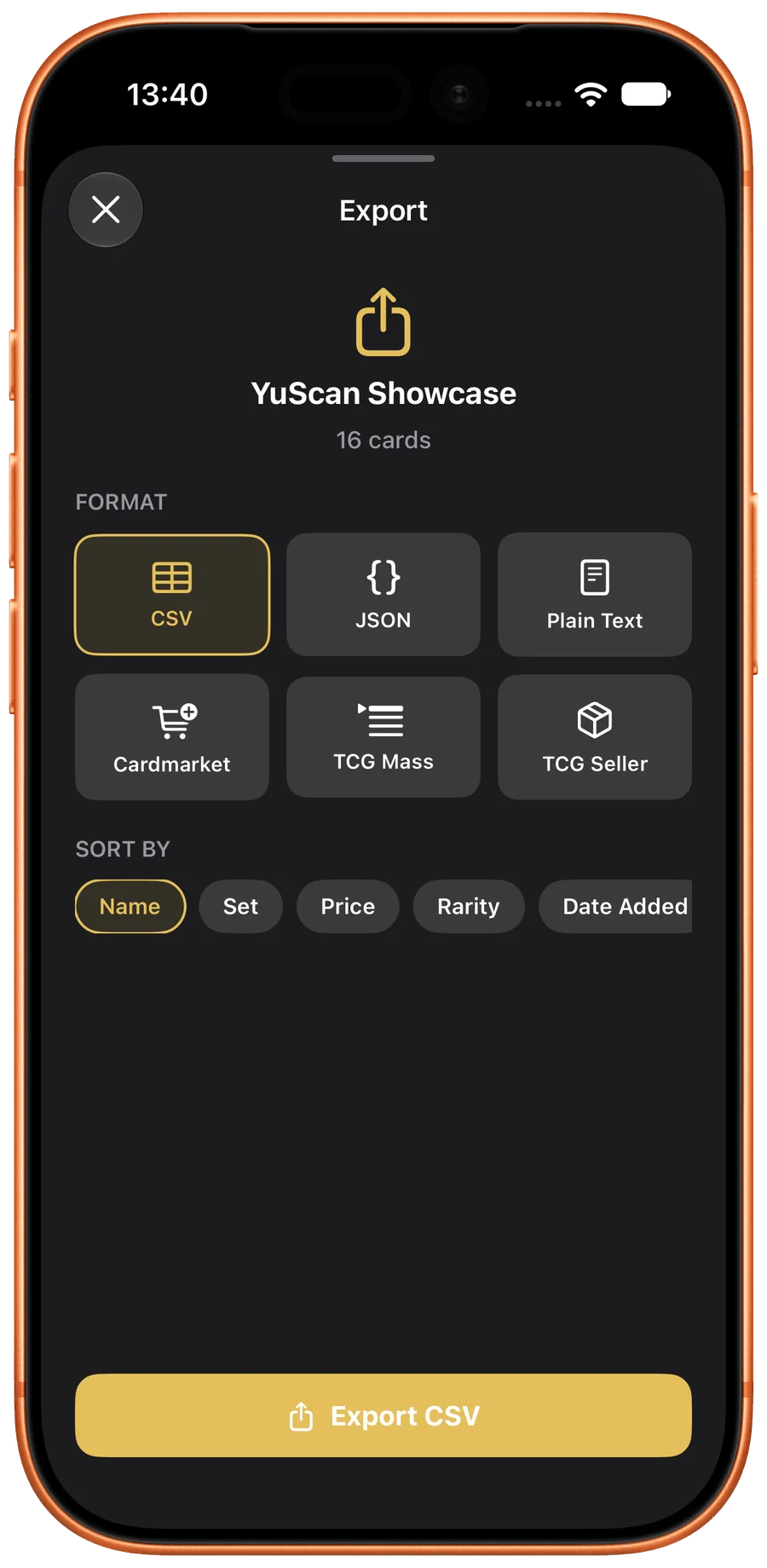
Search and organize
Find a card. Keep your own record.
Search the catalog, check the printing and keep quantities in your collection. Export formats differ between iOS and Android; each guide explains what the current app supports.
Reviews
From one collector to another.
One collector’s original App Store review. The complete review page includes critical feedback too.
Satisfaisant
“Je suppose une application en recherche de développement, mais qui est très bien conçue j’en suis satisfait le prix des cartes correspondes.
Une application sympa qui mériterait d’obtenir plus de téléchargement et d’aide au développement future !”
Make room for your next find.
Scan a card, start a collection and see where it takes you.