Yu-Gi-Oh!
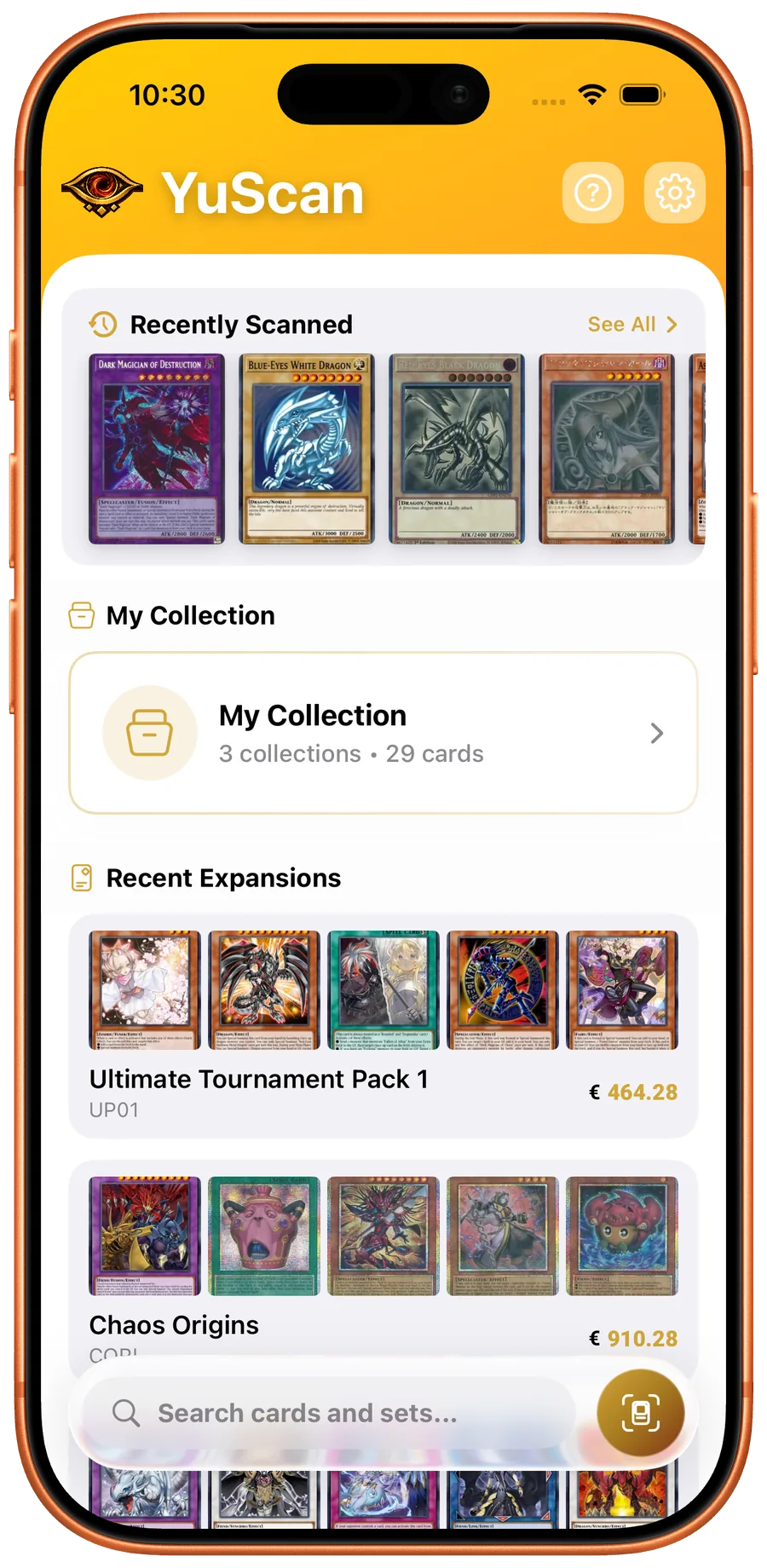
YuScan
The app this site is built around.
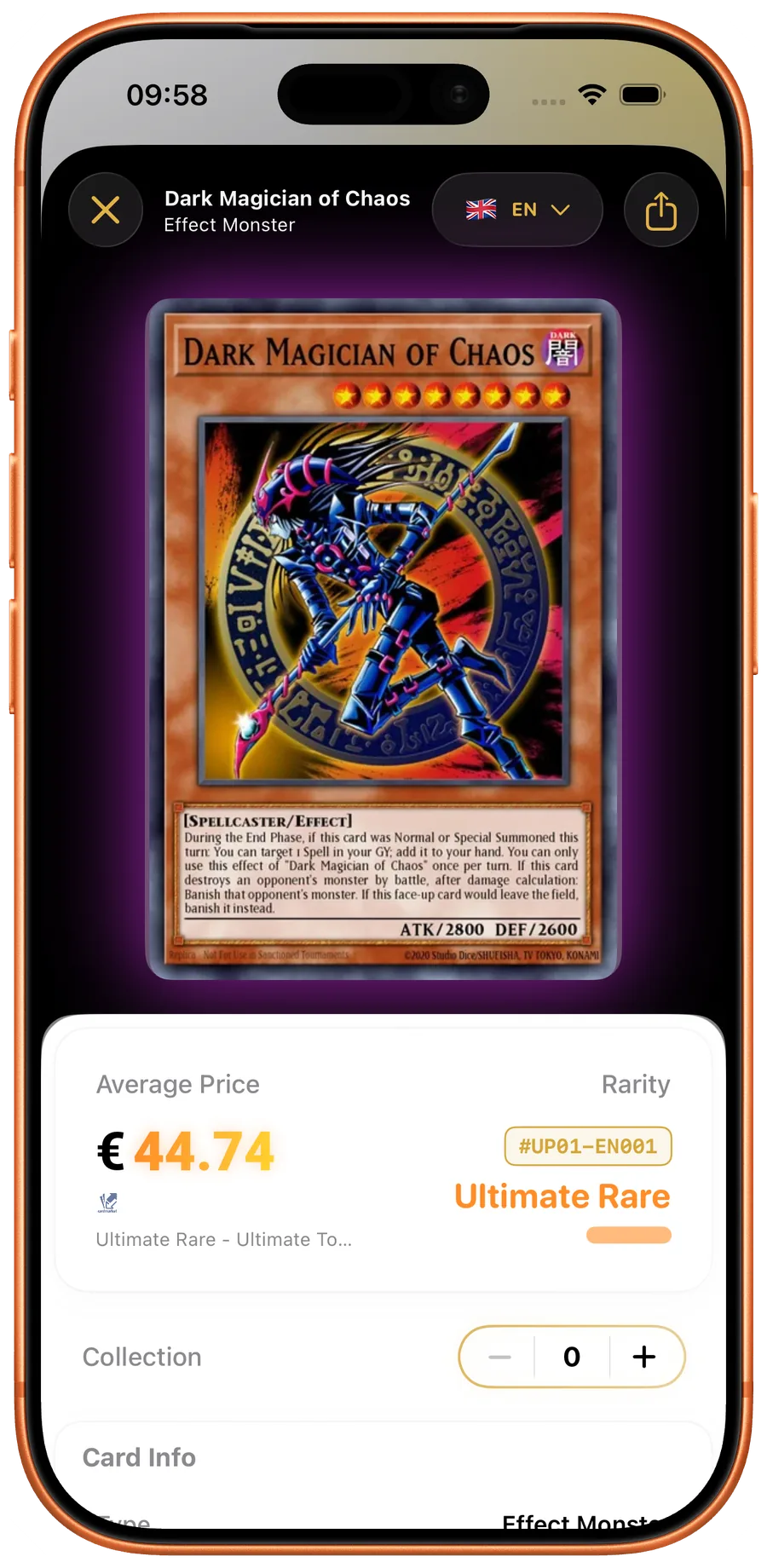
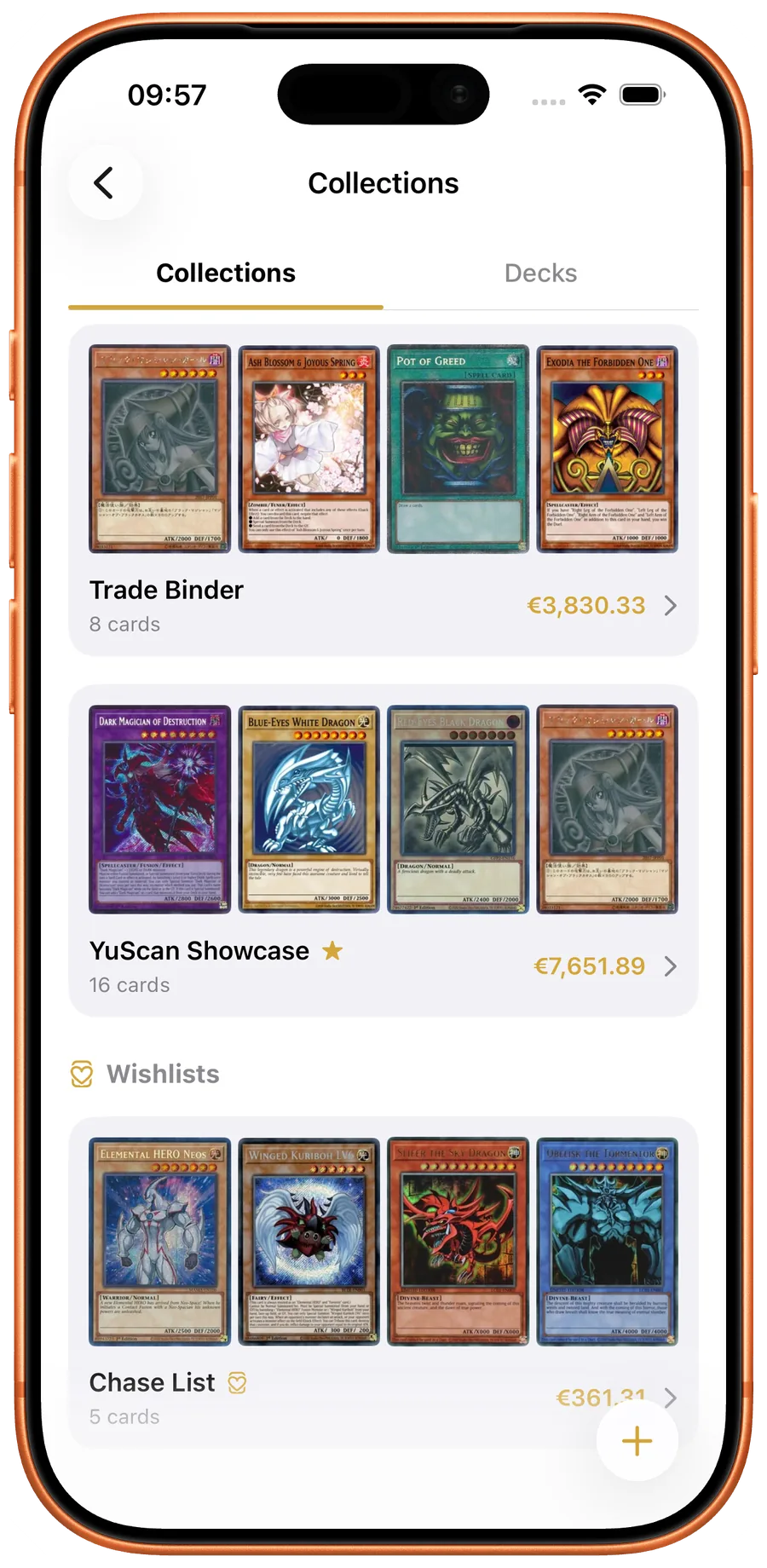
YuScan identifies any Yu-Gi-Oh! card in under a second using an on-device vision model trained on every printing in the database. Because the model runs locally, scanning works offline at a locals or a regional. The companion website mirrors the full database — every card, archetype, and expansion has a permanent URL with live prices from TCGPlayer, Cardmarket, eBay, Amazon, and CoolStuffInc.
- On-device AI scanner with 1st Edition / Unlimited variant detection
- Full TCG and OCG ban-list validation in the deck builder
- Multi-language card data: English, French, German, Italian, Portuguese, Spanish
- Live prices from six marketplaces with automatic currency conversion

One Piece TCG
Haki TCG
For One Piece TCG players who want a real database, not just a scanner.
One Piece TCG releases sets fast and changes the meta even faster. Haki TCG ships with full set guides and rotating checklists alongside its card scanner and collection manager. The price-aware database lets you cross-check a pull against TCGPlayer and Cardmarket the moment you scan it.
- Card scanner tuned for One Piece TCG art layouts
- Set guides, checklists, and pull tracking
- Price-aware card database with marketplace links
Visit Haki TCG → 
Pokémon TCG
Eyevo
For Pokémon collectors who care about exact printings and shareable lists.
Pokémon TCG cards are notoriously hard to disambiguate — alternate arts, full art, illustration rare, special illustration rare. Eyevo combines an AI scanner with an OCR fallback so set codes and collector numbers resolve correctly. It also ships with shareable collection exports for trade negotiations.
- AI + OCR scanner for accurate Pokémon TCG variant detection
- Collection tracking with TCGPlayer and Cardmarket pricing
- Shareable collection exports
Visit Eyevo → 
Magic: The Gathering
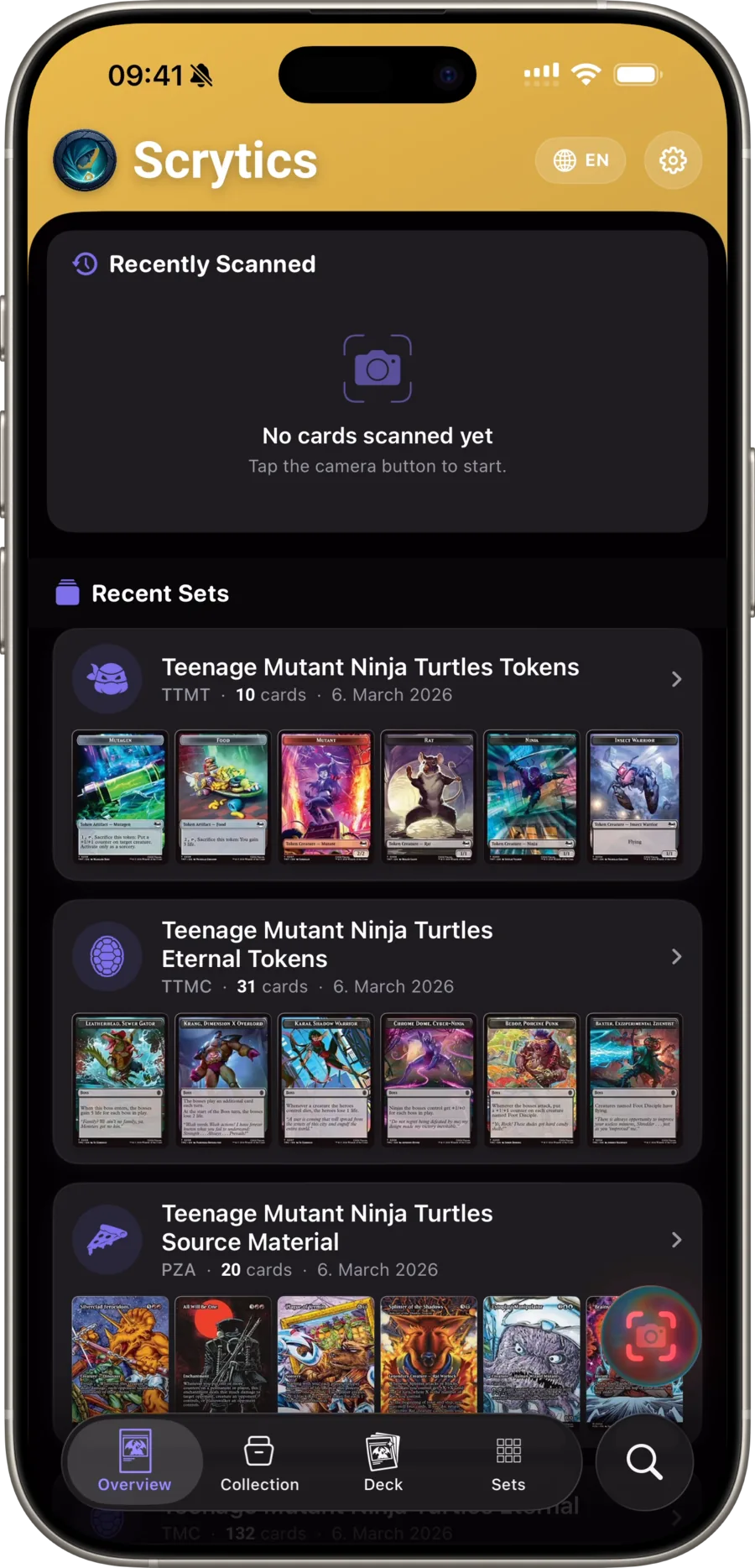
Scrytics
For Magic players who track price history and build EDH decks on the go.
Magic: The Gathering has 30+ years of printings, foils, borderless variants, showcase frames, and Secret Lair drops. Scrytics surfaces all of them per card with a 365-day price history graph so you can tell whether a sudden spike is a real shift or a flash-in-the-pan listing. The deck builder supports Standard, Pioneer, Modern, Legacy, and Commander legality.
- Fast scanner with full variant and printing disambiguation
- 365-day price history per card
- Deck builder with format legality across Standard through Commander
Visit Scrytics →